Key Takeaways & Summary
- ✓Instagram only provides a native "Add to your story" button if the creator explicitly mentioned (@tagged) your account.
- ✓If you were not tagged, the native repost option is completely hidden.
- ✓How to download the story uncompressed via TheSnapInsta and repost it with aesthetic creator credit.
- ✓Social media etiquette and copyright rules for reposting user-generated content (UGC).
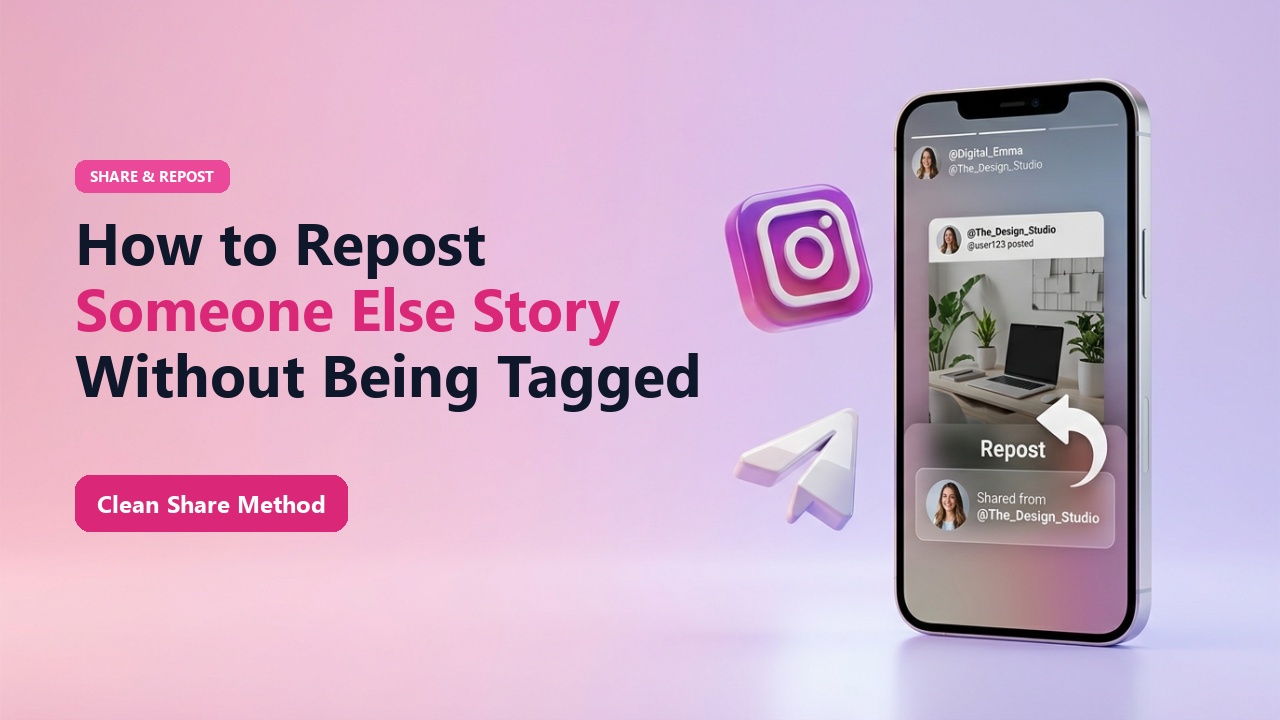
You come across an incredible Instagram Story: an eye-opening infographic, a breathtaking landscape clip, or a shoutout for a community cause. You want to amplify it and share it with your own audience, but you hit a roadblock: because the original poster didn't tag your username with an @mention, Instagram gives you no option to repost it to your story.
How can you share someone else's story when you weren't tagged, and how do you do it respectfully while maintaining full video quality? Here is your complete walkthrough.
Why Instagram Restricts Reposting to Tagged Accounts
Meta enforces strict anti-spam guidelines to prevent accounts from scraping and reposting content without consent. The native "Add this to your story" button only triggers when the backend notification service registers an authenticated mention token in the story's metadata.
However, when sharing educational content, event announcements, or praising creative work, downloading the clean media file and reposting with proper attribution is a universally accepted social media practice.
Mid-Article Responsive Ad (728x90 / Responsive)
Paste your in-article AdSense code in Admin > Ads
How to Repost When You Aren't Tagged
1. Copy Story or Profile Link
Tap Share on the story and select "Copy Link", or simply note down the creator's username.
2. Download via TheSnapInsta
Paste the link into TheSnapInsta Stories Downloader to save the uncompressed 1080p MP4 or JPG.
3. Upload to Your Story & Give Credit
Open Instagram, swipe right to your story camera, select the downloaded media from your camera roll, and add an aesthetic @creator sticker to tag the original creator.
📊 Native Reposting vs TheSnapInsta Reposting
| Feature | Native Instagram Repost | TheSnapInsta Download & Repost |
|---|---|---|
| Tagged Mention Required? | YES (Mandatory) | NO (Works on any public story) |
| Framing & Borders | Displays in tiny centered box | Full Screen 9:16 Vertical |
| Custom Editing & Stickers | Limited | Full creative control |
| Audio Retention | Keeps original sound | 100% Original Audio |
Etiquette Tip
Always tag the original author with an @mention sticker in a visible spot. Giving credit fosters good relationships and often leads to the original creator re-sharing your story to their audience!
Save Stories for Reposting & Sharing
Download clean, full-screen vertical stories in HD ready for your own feed or status updates.
❓ Frequently Asked Questions
Q: Is it copyright infringement to repost someone else's story?
Sharing a public story with visible credit for non-commercial commentary or appreciation is widely accepted under Fair Use. However, if a creator asks you to remove their content, always comply promptly.
Q: Why does native reposting make the video so small?
Instagram places tagged reposts inside a bordered frame with a background gradient. Downloading and re-uploading allows you to share full-bleed 9:16 vertical video.