Key Takeaways & Summary
- ✓Many business accounts are blocked from popular commercial music due to corporate licensing agreements.
- ✓Certain geographical regions do not have access to Instagram's full music streaming catalog.
- ✓Learn how switching account categories restores the complete commercial song database.
- ✓How to pre-edit music into your video before uploading to bypass sticker limitations entirely.
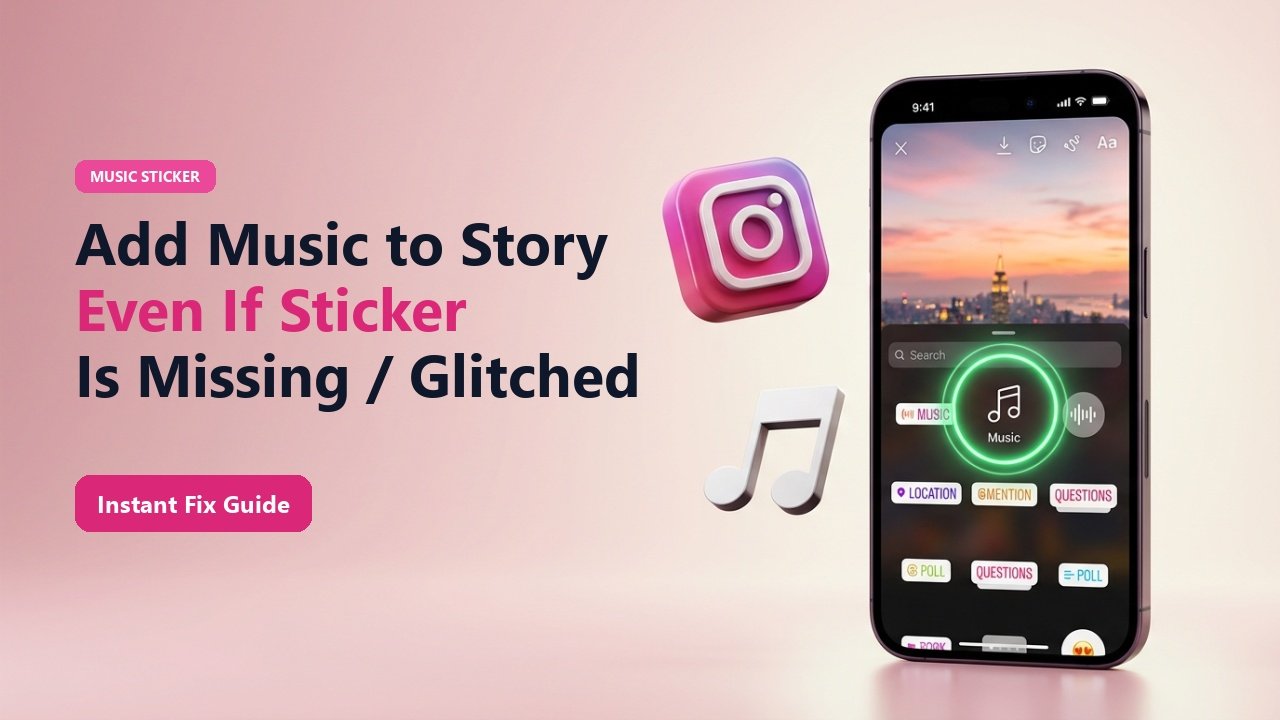
You record a fantastic video for your story, open the sticker tray to add a trending hit song, and search for the artist—only to be met with: "No results found" or a message saying "This music is not available in your region". Worse yet, some users open their sticker drawer and discover the Music sticker is completely missing!
Why does Instagram restrict music access, and how can you add any track you want to your stories? Here are the 4 proven solutions to fix missing music stickers and bypass licensing blocks.
Why Your Account Is Missing Popular Songs
If you have an Instagram Business Account, Meta restricts your music catalog to royalty-free background tracks to protect you (and Meta) from copyright infringement lawsuits by record labels. Personal and Creator accounts, on the other hand, enjoy unrestricted access to the complete billboard chart music library.
Additionally, users in certain countries face geographic licensing walls due to local performing rights organizations.
Mid-Article Responsive Ad (728x90 / Responsive)
Paste your in-article AdSense code in Admin > Ads
4 Ways to Fix the Music Sticker Problem
1. Switch to a Creator Account
Go to Settings ➔ Account ➔ Switch Account Type ➔ Switch to Creator Account. You retain all analytics, insights, and swipe-up capabilities while unlocking the full commercial music catalog!
2. Change Business Category to "Entrepreneur"
If you must stay as a Business account, change your category to "Entrepreneur" or "Just for Fun". Many users report this category unlocks billboard pop tracks.
3. Pre-Edit Music with CapCut or InShot
Download your favorite song or Reel audio using TheSnapInsta, combine the video and audio in CapCut, and upload the finished video as "Original Audio".
4. Clear Cache & Update App
Outdated app builds often experience sticker tray desynchronization. Clear cache and update to the latest version in the App Store or Google Play.
📊 Account Types & Music Library Access
| Account Type | Full Commercial Music? | Analytics / Insights? | Music Sticker Stability |
|---|---|---|---|
| Creator Account | YES (Full Billboard Catalog) | YES (Advanced) | ⭐⭐⭐⭐⭐ Highly Stable |
| Personal Account | YES (Full Catalog) | NO Analytics | ⭐⭐⭐⭐⭐ Highly Stable |
| Business Account | NO (Royalty-free only) | YES | ⭐⭐⭐ Restricted Library |
| Pre-Edited Video Upload | YES (Any Audio File) | Depends on Account | ⭐⭐⭐⭐⭐ 100% Reliable |
Extract Audio for Pre-Editing
Use TheSnapInsta Reels Downloader to extract trending background beats into MP3 format, then drop them into your video editor before uploading to stories.
Extract Viral Audio for Your Stories
Grab trending songs and background sounds directly from Instagram Reels with TheSnapInsta.
❓ Frequently Asked Questions
Q: Will switching to a Creator Account hurt my engagement?
Not at all. In fact, most influencers and social media professionals recommend Creator accounts because they combine full analytics with unrestricted music access.
Q: Can I use a VPN to unlock regional music?
Temporarily connecting to a US or UK VPN can help refresh your music token, but pre-editing your audio in CapCut is a more permanent and hassle-free solution.