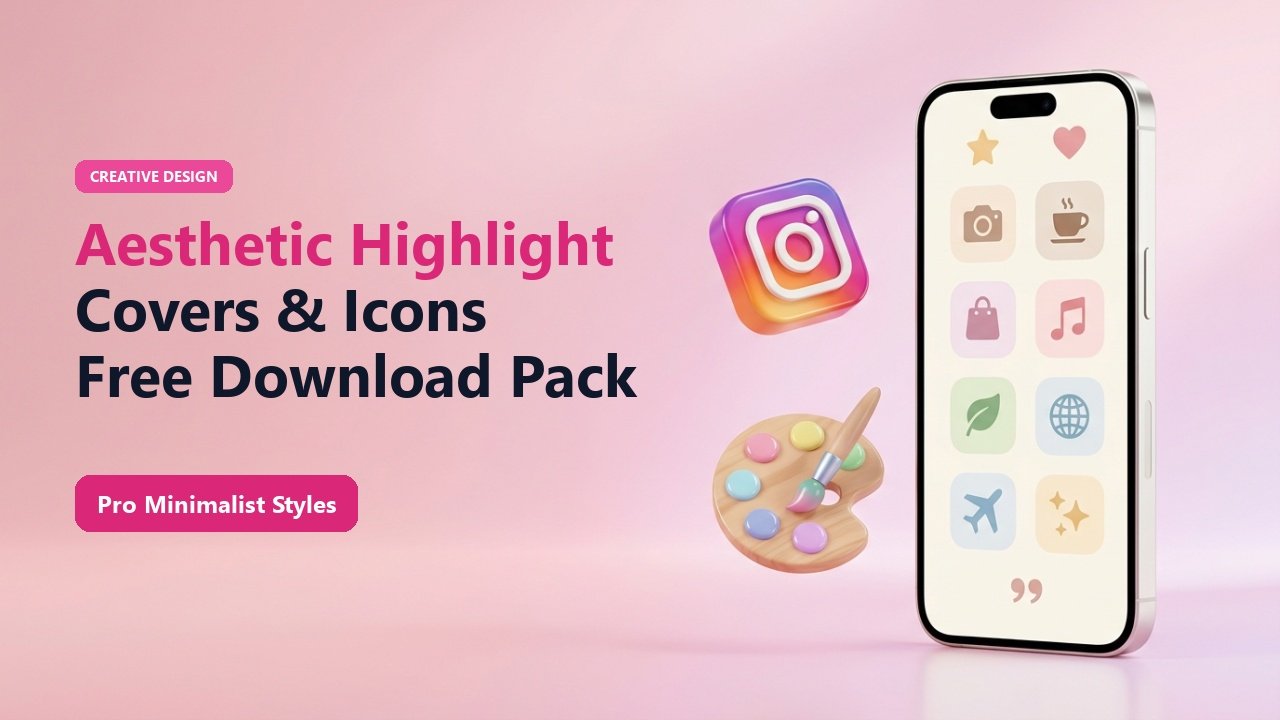
Key Takeaways & Summary
- ✓Aesthetic highlight covers establish instant brand authority and visual cohesion for new profile visitors.
- ✓Popular aesthetics in 2026: Minimalist Line Art, Warm Earth Tones, Monochrome Black/White, and Cyberpunk Neon.
- ✓How to change a highlight cover directly from your camera roll without broadcasting it to your story feed.
- ✓Download high-resolution cover templates and icon inspiration.
First impressions matter. When a prospective follower, brand sponsor, or client lands on your Instagram profile, your bio and story highlights are the first visual elements they see below your name. Generic, mismatched story snapshots make your profile look cluttered, whereas sleek, cohesive highlight covers instantly communicate professionalism and taste.
Whether you want a minimalist neutral aesthetic, a bold neon vibe, or hand-drawn organic icons, here is your complete guide to aesthetic Instagram highlight covers, plus the secret to updating them without annoying your followers with story spam.
How to Change Highlight Covers Without Posting to Your Story
In older versions of Instagram, changing a highlight cover required you to post the image to your public story, wait for it to publish, add it to the highlight, and then set it as the cover. This spammed your followers' feeds with blank icon images.
Instagram now lets you update covers directly from your smartphone camera roll. Long-press the highlight album ➔ tap Edit Highlight ➔ tap Edit Cover ➔ tap the small Image Gallery icon ➔ select your graphic from your photos and tap Done. Your followers never see a notification!
Mid-Article Responsive Ad (728x90 / Responsive)
Paste your in-article AdSense code in Admin > Ads
Top 4 Highlight Cover Aesthetics for 2026
1. Minimalist Neutral Tones
Soft beiges, warm creams, taupe, and subtle single-line vector icons (airplane for travel, coffee cup for lifestyle, dumbbell for fitness).
2. Dark Mode Monochrome
Sleek matte black backgrounds with crisp white typography or metallic accents. Perfect for tech founders, streetwear brands, and musicians.
3. Editorial Typography
Clean serif and sans-serif typography words (e.g. "Q&A", "TIPS", "DROPS", "VLOGS") centered with generous negative space.
4. Organic Pastel Gradients
Smooth aesthetic mesh gradients transitioning between sunset peach, lavender, and sky blue. Great for wellness and beauty creators.
📊 Highlight Cover Categories & Recommended Icons
| Category | Recommended Title | Icon Idea | Color Palette |
|---|---|---|---|
| Travel / Trips | Wander / Travel | Minimalist Airplane or Compass | Earthy Beige / Terracotta |
| Fashion & Outfits | OOTD / Style | Hanger or Sunglasses | Monochrome Black & White |
| Food & Recipes | Eats / Foodie | Fork & Knife or Croissant | Warm Peach / Warm Olive |
| Business & Reviews | Reviews / Proof | 5-Star Graphic or Heart | Royal Indigo / Clean White |
Keep Titles Short
Instagram truncates highlight album titles after approximately 10 to 11 characters. Keep your album names concise (e.g., "About", "Travel", "Work") so the text doesn't get clipped with an ellipsis (...).
Curate Your Profile Aesthetics
Inspect and download competitor highlight covers in high resolution to spark inspiration for your own redesign.
❓ Frequently Asked Questions
Q: What is the optimal size for Instagram highlight covers?
The standard size is 1080 x 1920 pixels (9:16 aspect ratio). The central circular crop will display the middle 1080 x 1080 area, so keep your icons centered.
Q: How many highlights should I have on my profile?
Between 4 to 7 highlights is the golden rule. Too many highlights force users to scroll horizontally and dilute your profile focus.