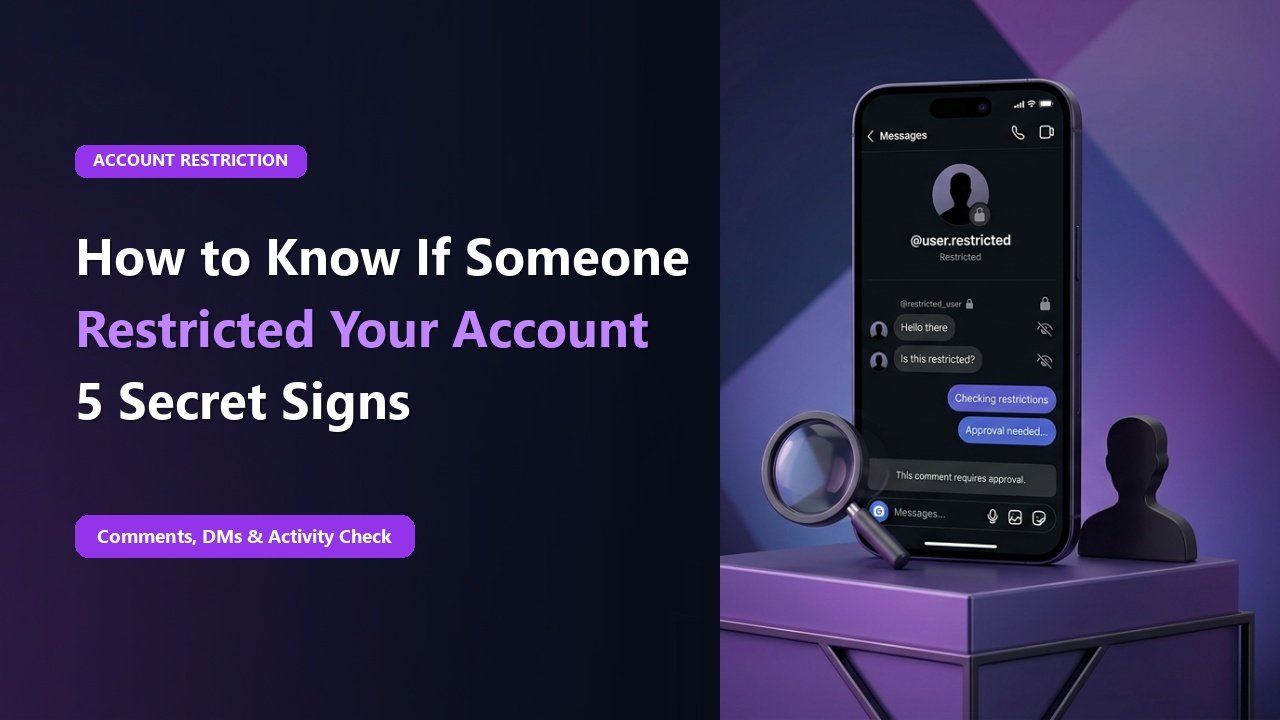
Key Takeaways & Summary
- ✓Instagram designed the "Restrict" feature as a subtle anti-bullying tool that prevents drama by hiding actions quietly.
- ✓Unlike blocking, when someone restricts you, their profile still looks completely normal to you.
- ✓Your comments on their posts become invisible to everyone except you and the account owner.
- ✓Direct messages you send are silently rerouted to their hidden "Message Requests" folder.
Blocking someone on Instagram is loud and obvious: your profile disappears, DMs break, and the other person immediately knows they were cut off. To give users a discreet alternative to manage awkward acquaintances or toxic comments without causing social confrontation, Instagram created the "Restrict" feature.
When someone restricts your account, Instagram intentionally hides all feedback: you can still view their posts, stories, and send messages, making it seem like nothing changed. How can you tell if someone quietly restricted you? Here are the 4 undeniable technical signs.
How the "Restrict" Mechanism Works Technically
When User A restricts User B, Instagram applies three silent rules to User B's interactions:
- Shadow-Comments: When you leave a comment on their post, it looks published to you, but it is invisible to the public. Only the account owner can tap "Approve" to make it visible.
- DMs Shunted to Requests: Direct messages you send do not trigger a push notification and land in their hidden "Message Requests" folder. You will never see a "Seen" receipt.
- Activity Status Hidden: You will no longer be able to see their green active dot or "Active X hours ago" timestamp in direct messages.
How to Test If You Have Been Restricted
Test 1: The Secondary Account Comment Test
Post a comment on their recent photo (e.g. "Great shot!"). Then, open Instagram on a friend's phone or in an incognito browser without logging in. If your comment is invisible to everyone else, you are restricted.
Mid-Article Responsive Ad (728x90 / Responsive)
Paste your in-article AdSense code in Admin > Ads
Test 2: Check Active Status
If you previously exchanged DMs and could always see their active status, but now it has permanently disappeared, they likely restricted your handle.
Test 3: Permanent "Delivered" DMs
If your messages stay marked as "Sent" or "Delivered" for weeks despite the person actively posting stories, your messages are trapped in their hidden request inbox.
📊 Restricted vs Blocked vs Soft-Blocked
| Privacy Feature | Can You See Their Profile? | Can You Send DMs? | Are Comments Public? |
|---|---|---|---|
| Restricted | YES (Looks Normal) | Lands in Message Requests | Hidden until approved |
| Blocked | NO (Profile Disappears) | NO (Chat disabled) | Cannot comment |
| Soft-Blocked (Removed) | YES (Must re-follow) | Standard DMs | Public |
Check Stories Anonymously
If someone restricted your account, they may also have hidden their active stories from you. Use TheSnapInsta AnonyIG to check if they have active stories published that your personal account cannot see!
Verify Public Profile Stories with TheSnapInsta
Check any public account's real, unfiltered stories and highlights anonymously without triggering account filters.
❓ Frequently Asked Questions
Q: Can you restrict someone back on Instagram?
Yes! Go to their profile, tap the three dots in the top right corner, and select "Restrict".
Q: Does restricting someone notify them?
No. Instagram never sends notifications or alerts when someone is restricted or unrestricted.