Key Takeaways & Summary
- ✓When you block someone on Instagram, their profile is completely removed from your search results.
- ✓Trying to search their handle displays "User not found", making it seem impossible to unblock them.
- ✓Instagram maintains a dedicated "Blocked Accounts" master list in your privacy settings.
- ✓How to easily unblock any user in 3 taps without needing their profile URL.
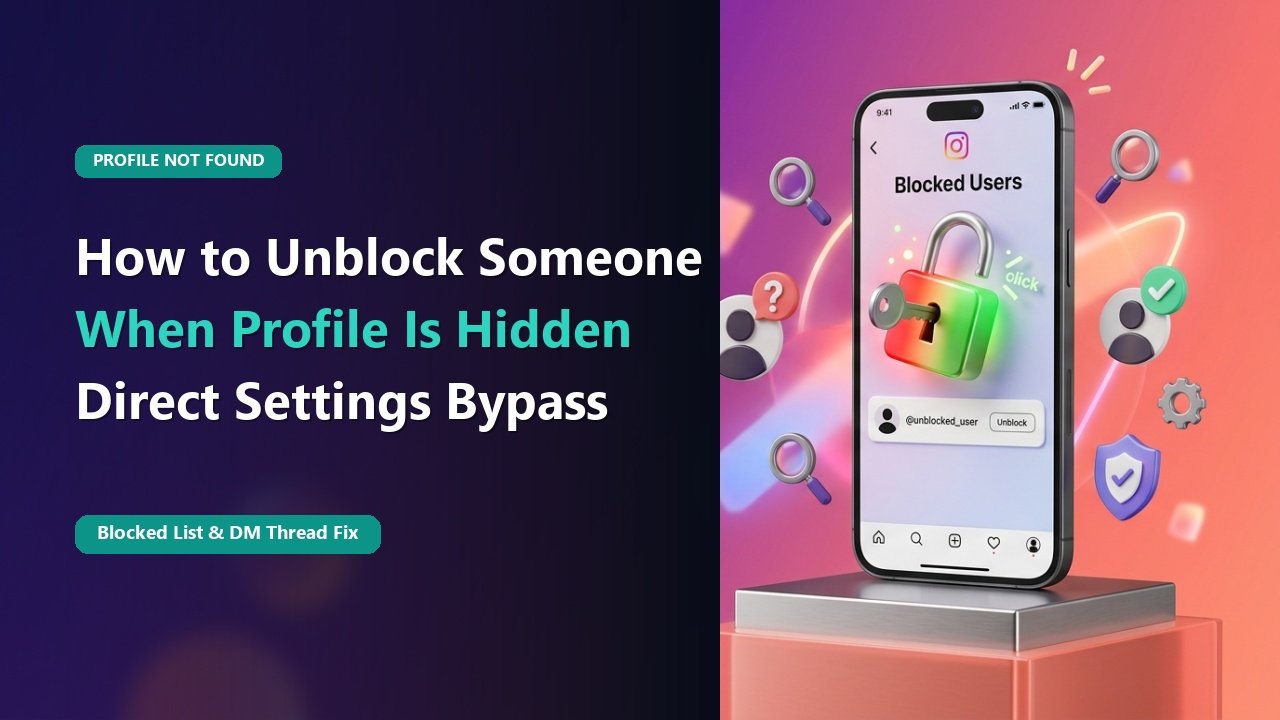
You had a disagreement with a friend or colleague, blocked them in the heat of the moment, and now you want to unblock them and make amends. You type their username into the Instagram search bar, but nothing appears—just the frustrating message: "User not found".
Because blocking is reciprocal, Instagram hides their profile from your search index entirely. How can you unblock someone if you can't find their profile page? Here is the simple 3-tap method using Instagram's hidden Blocked Accounts menu.
Why Blocked Profiles Disappear from Search
When Account A blocks Account B, Instagram's backend applies a mutual visibility block. Neither user can see each other's profile page, search results, stories, or comments. Because the target profile looks completely non-existent to you, traditional profile-based unblocking fails.
How to Access the Master Blocked List
1. Open Settings and Privacy
Go to your profile ➔ tap the three horizontal lines (menu) in the top right corner ➔ select Settings and privacy.
Mid-Article Responsive Ad (728x90 / Responsive)
Paste your in-article AdSense code in Admin > Ads
2. Scroll to "Blocked"
Scroll down to the "Who can see your content" section and tap Blocked.
3. Tap Unblock
You will see a complete alphabetical list of every account you have ever blocked. Locate their name and tap the blue Unblock button. Confirm when prompted!
📊 What Happens After You Unblock Someone
| Account Event | Does It Happen Automatically? | Action Required |
|---|---|---|
| Can They See Your Profile Again? | YES (Immediately) | None |
| Are You Following Each Other? | NO (Unfollowed by block) | Must send new follow request |
| Are Old DMs Restored? | YES | Old chat history reappears |
| Are They Notified of Unblock? | NO Notification Sent | Completely silent |
Mutual Block Standoff
If BOTH users blocked each other, neither will appear on the other's search. You must both navigate to Settings ➔ Blocked and unblock from that menu.
Check Profiles Anonymously Before Unblocking
Want to see what an account is posting before deciding to unblock them? Browse their public profile safely on TheSnapInsta AnonyIG.
❓ Frequently Asked Questions
Q: Does unblocking someone automatically make them follow me again?
No. Blocking someone immediately forces both accounts to unfollow each other. You will have to manually follow them again.
Q: Can someone tell if I blocked and then unblocked them?
Instagram does not send a notification. However, if they notice they are suddenly no longer following you, they may deduce they were blocked.