Key Takeaways & Summary
- ✓"Could not refresh feed" occurs when the Instagram app cannot establish a complete handshake with Meta's feed servers.
- ✓Incorrect phone date and time settings frequently cause SSL certificate handshake rejections.
- ✓Corrupted DNS caches on home Wi-Fi routers can block Instagram CDN domains.
- ✓Step-by-step network reset and account verification walkthrough.
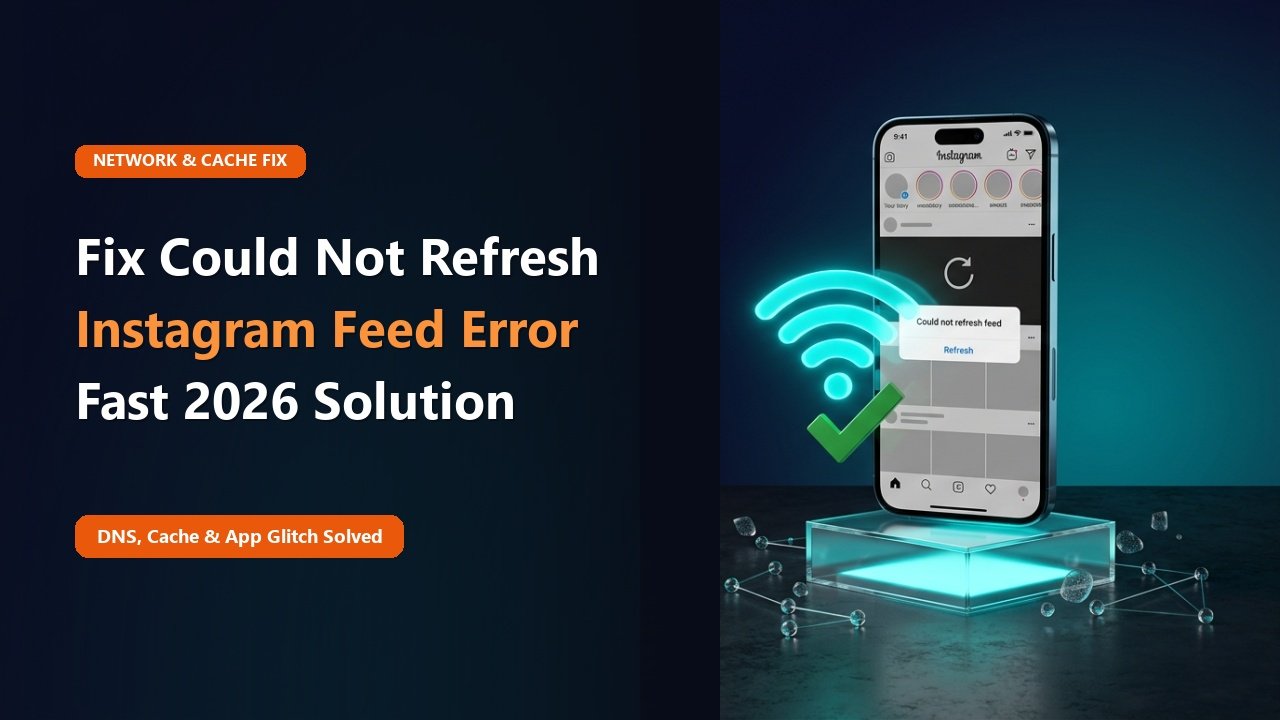
You swipe down on your Instagram home screen to refresh your feed, the spinner revolves endlessly, and then the dreaded gray banner appears at the top of your screen: "Couldn't refresh feed". No new posts load, stories are missing, and your Explore grid is completely blank.
Why does Instagram refuse to update your feed, and how can you fix it quickly? Here are the 8 most effective fixes to get your Instagram feed updating normally again.
Why the "Couldn't Refresh Feed" Error Triggers
This error is almost always caused by an interruption in the secure HTTPS communication pipeline between your mobile app and Meta's content delivery edge nodes. Common culprits include:
- SSL Certificate Handshake Failure: If your phone's clock is off by even 3 minutes, Instagram's security certificates will be rejected.
- Wi-Fi DNS Routing Conflicts: Your internet service provider (ISP) may have stale DNS records for Instagram CDN domains.
- Shadow-Action Block: If you used aggressive third-party bot apps, Instagram may have placed a temporary feed hold on your session.
8 Rapid Fixes for Stuck Instagram Feeds
1. Check "Date & Time" Settings
Go to your phone's System Settings ➔ Date & Time ➔ toggle ON "Set Automatically". An inaccurate clock is the #1 cause of sudden feed failures.
Mid-Article Responsive Ad (728x90 / Responsive)
Paste your in-article AdSense code in Admin > Ads
2. Switch from Wi-Fi to Cellular Data
Disable Wi-Fi and load Instagram over 4G/5G. If it works, restart your home Wi-Fi router or switch your DNS to Google DNS (8.8.8.8).
3. Log In on Instagram.com Web
Open your phone's browser and log into Instagram.com. If an unacknowledged terms-of-service popup or security notice is blocking your app, resolving it on the web instantly restores your app feed.
4. Log Out and Re-Login
Go to Settings ➔ Log Out ➔ Restart your phone ➔ Log back in to refresh your OAuth session token.
📊 Troubleshooting Checklist for Feed Refresh Errors
| Checklist Item | How to Test | Action if Failed |
|---|---|---|
| Phone Clock Sync | Check Settings ➔ Date & Time | Enable "Set Automatically" |
| Wi-Fi DNS Resolution | Try loading over Cellular 5G | Reboot router / Use Cloudflare 1.1.1.1 |
| Pending Terms Agreement | Log into Instagram.com in browser | Accept terms and reopen app |
| Corrupted App Data | Check app storage size | Reinstall fresh app build |
Need to Check Instagram Right Now?
While troubleshooting your phone's app connection, you can browse any public profile, reel, or story seamlessly using TheSnapInsta web tool.
Browse Public Content Without Feed Errors
Experience 100% reliable, cloud-powered Instagram browsing on TheSnapInsta.
❓ Frequently Asked Questions
Q: Could I be shadowbanned if my feed won't refresh?
Shadowbans usually affect your discoverability by other users (your posts don't show in hashtags), rather than blocking your personal feed. A stuck feed is almost always network- or cache-related.
Q: How can I tell if Meta servers are down?
Check social platforms like X (Twitter) or search Downdetector for "Instagram". If thousands of reports spike, it is a global Meta outage.