Key Takeaways & Summary
- ✓Maximum Instagram Reel length is currently up to 15 minutes for uploaded videos and 90 seconds for in-app recorded clips.
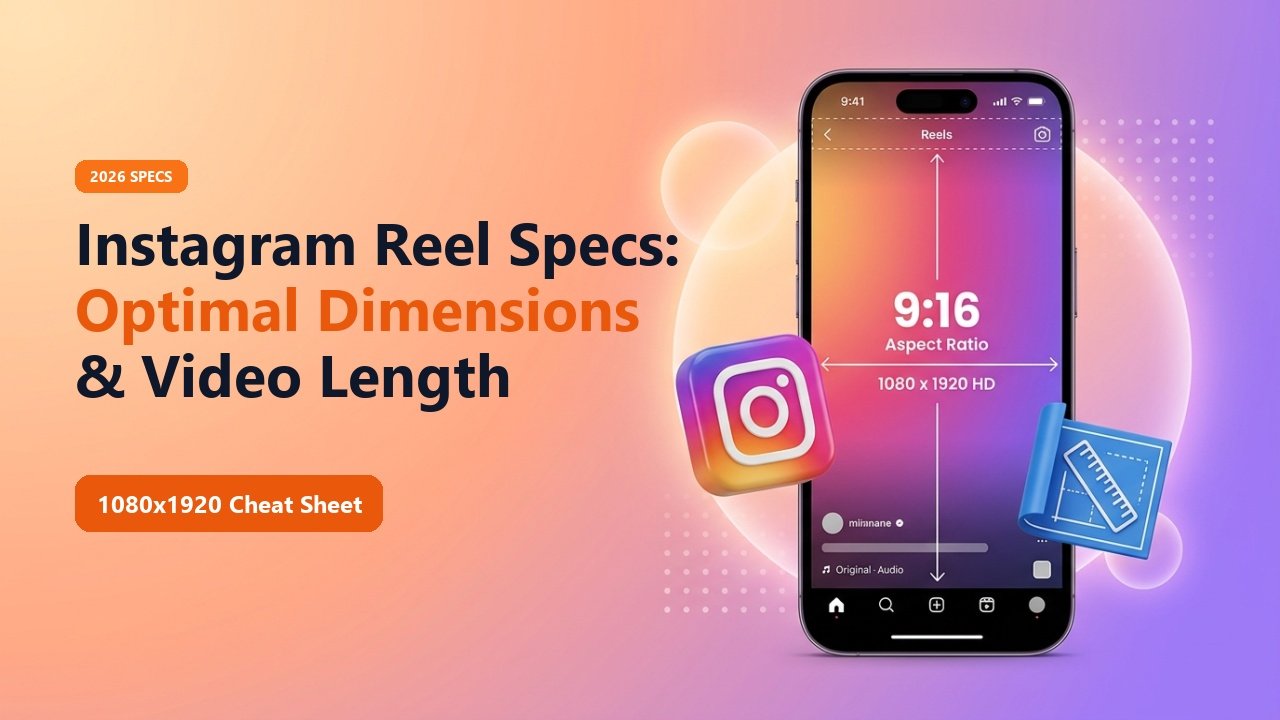
- ✓The golden aspect ratio is strictly 9:16 vertical with an optimal resolution of 1080 x 1920 pixels.
- ✓Keep important text and logos inside the 4:5 "Safe Zone" to prevent UI elements (like captions and like buttons) from covering them.
- ✓Recommended video settings: MP4 container, H.264 codec, 30 to 60 FPS, and AAC audio at 320kbps.
Nothing tanks video retention faster than awkward black bars on the sides of your screen, blurry pixelation, or crucial captions getting covered up by Instagram's "Like" and "Comment" buttons.
To succeed as a modern creator, videographer, or brand marketer, you must adhere to Instagram's exact technical rendering specifications. Here is your definitive 2026 cheat sheet for Instagram Reel dimensions, length limits, codecs, and safe zones.
Standard Instagram Photo Dimensions (2026 Standards)
Maximum Instagram Reel Length Limits (2026 Updates)
Instagram has unified almost all vertical video formats into the "Reels" umbrella. Depending on how you upload, the duration limits differ:
- In-App Camera Recording: Up to 90 seconds (15s, 30s, 60s, or 90s toggles).
- Pre-Edited Video Uploads (Gallery): Up to 15 minutes for regular accounts.
- The Viral "Sweet Spot": While you can post up to 15 minutes, algorithm analytics prove that videos between 7 to 15 seconds consistently yield the highest completion and replay rates.
Ideal Export Settings for Premiere, Final Cut & CapCut
Resolution & Ratio
1080 x 1920 pixels (9:16 vertical orientation). Avoid 4K exports as Instagram's compression algorithm crushes 4K into muddy artifacts.
Mid-Article Responsive Ad (728x90 / Responsive)
Paste your in-article AdSense code in Admin > Ads
Frame Rate & Codec
30 FPS or 60 FPS. Video Codec: H.264 or HEVC (H.265) in an MP4 container. Bitrate: 15 to 20 Mbps CBR.
Audio Specifications
Audio Codec: AAC, Stereo, 48,000 Hz sample rate, 320kbps constant bitrate.
📊 Instagram Reel Technical Specifications Summary
| Parameter | Recommended Setting | Minimum Required | Maximum Allowed |
|---|---|---|---|
| Aspect Ratio | 9:16 (Full Screen Vertical) | 4:5 (Letterboxed) | 9:16 |
| Resolution | 1080 x 1920 pixels | 720 x 1280 pixels | 1080 x 1920 pixels |
| Frame Rate | 60 FPS (Ultra Smooth) | 24 FPS (Cinematic) | 60 FPS |
| Maximum File Size | Under 250 MB | None | 4 GB |
| Video Length | 7 to 30 Seconds (Optimal) | 3 Seconds | 15 Minutes |
Respect the Safe Zone
Keep your text overlays, call-to-actions, and faces within the center 1080 x 1350 region. Leave the bottom 20% clear for the username, caption, and audio tags.
Analyze High-Performing Reels
Download viral reference reels to inspect their frame rates, aspect ratios, and visual pacing.
❓ Frequently Asked Questions
Q: Why does Instagram compress my 4K video exports?
Instagram does not stream in native 4K. When you upload 4K footage, Instagram's server compressor downscales it aggressively. Exporting directly in native 1080p gives you superior sharpness.
Q: Can you post landscape videos to Reels?
You can, but they will display with thick black letterboxing bars above and below, severely hurting engagement on mobile devices.