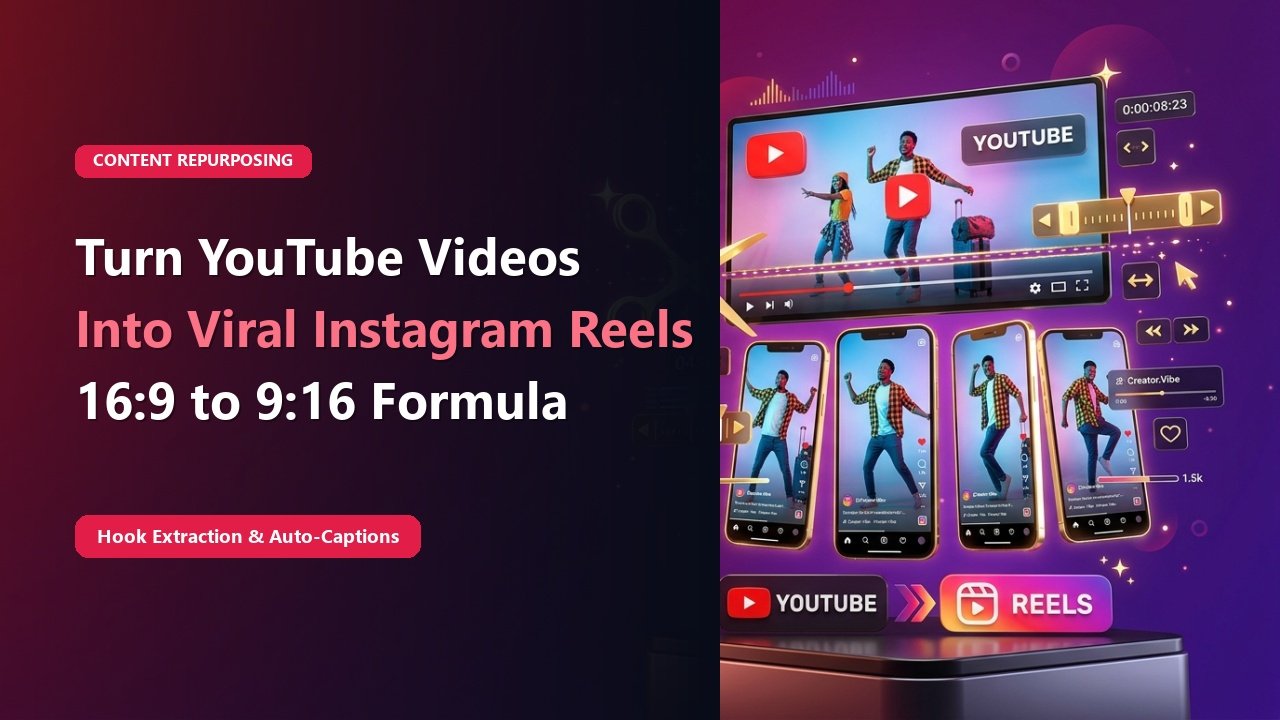
Key Takeaways & Summary
- ✓Long-form YouTube videos, podcasts, and webinars contain dozens of potential 30-to-60 second viral soundbites.
- ✓Repurposing maximizes return on investment (ROI) on your video production budget.
- ✓How to reframe 16:9 widescreen footage into 9:16 vertical canvas without cutting off speakers.
- ✓Automating dynamic word-by-word animated captions with modern editing tools.
Recording a 45-minute YouTube interview or a 20-minute comprehensive tutorial requires hours of research, scripting, camera setup, and editing. Yet, after uploading to YouTube, many creators simply move on to the next video, letting that valuable long-form asset collect digital dust.
Top media houses like the Joe Rogan Experience, GaryVee, and HubSpot generate millions of views by slicing each long-form episode into 10 to 15 bite-sized vertical Reels. Here is the step-by-step agency workflow to repurpose long-form YouTube videos into high-engagement Instagram Reels.
The "Hook-Story-Lesson" Extraction Framework
Not every section of a 30-minute podcast works as a Reel. To go viral on Instagram, an excerpt must function as a standalone micro-story containing three key ingredients:
- The Provocative Hook (Seconds 0-3): A controversial claim, counterintuitive stat, or high-emotion statement that stops the scroll.
- The Rapid Story (Seconds 4-40): An engaging narrative or practical example illustrating the concept.
- The Punchline / Actionable Lesson (Seconds 41-55): The key takeaway that makes the viewer feel smarter and triggers a "Save" or "Share".
4 Steps to Convert 16:9 Videos to 9:16 Reels
1. Timestamp the Golden Nuggets
While reviewing your long-form video, note 45-second segments where the speaker delivers a complete, impactful idea.
Mid-Article Responsive Ad (728x90 / Responsive)
Paste your in-article AdSense code in Admin > Ads
2. Reframe for 9:16 Vertical Canvas
In Premiere Pro or CapCut, create a 1080 x 1920 canvas. Use auto-reframe or manually crop so the speaker remains centered.
3. Add Dynamic Animated Subtitles
Over 75% of Instagram users watch Reels on mute! Add bold, dynamic word-by-word captions with colorful highlight words (yellow/green).
4. Export Clean 1080p MP4
Export at 1080x1920, 30 FPS, H.264 codec. Upload to Reels and add an invitation to watch the full episode on YouTube in your caption.
📊 Video Repurposing Efficiency Multiplier
| Original Content Asset | Clips Extracted | Weekly Instagram Posts | Potential Reach Increase |
|---|---|---|---|
| 1-Hour Podcast Episode | 8 – 12 Vertical Clips | 2 Full Weeks of Daily Reels | 300% – 500% |
| 20-Minute Educational Webinar | 5 – 7 High-Value Tips | 1 Week of Daily Content | 250% – 400% |
| 10-Minute Vlog / Travel Video | 3 – 4 Aesthetic Montages | Weekend Highlights | 150% – 250% |
Drive YouTube Traffic via Bio Link
Always tease the full episode in your Reel: "Watch the full 45-minute masterclass via the link in my bio!" This turns Instagram into a high-powered discovery engine for your YouTube channel.
Download Reference Reels for Editing Ideas
Inspect how top creators edit their vertical clips and dynamic captions using TheSnapInsta.
❓ Frequently Asked Questions
Q: Which software is best for auto-generating captions?
CapCut Desktop, Premiere Pro Speech-to-Text, and Descript are the industry-standard tools for generating animated, dynamic captions in one click.
Q: How long should repurposed Reels be?
Aim for between 30 to 50 seconds. This allows enough time to deliver substantial value while maintaining high audience watch time.