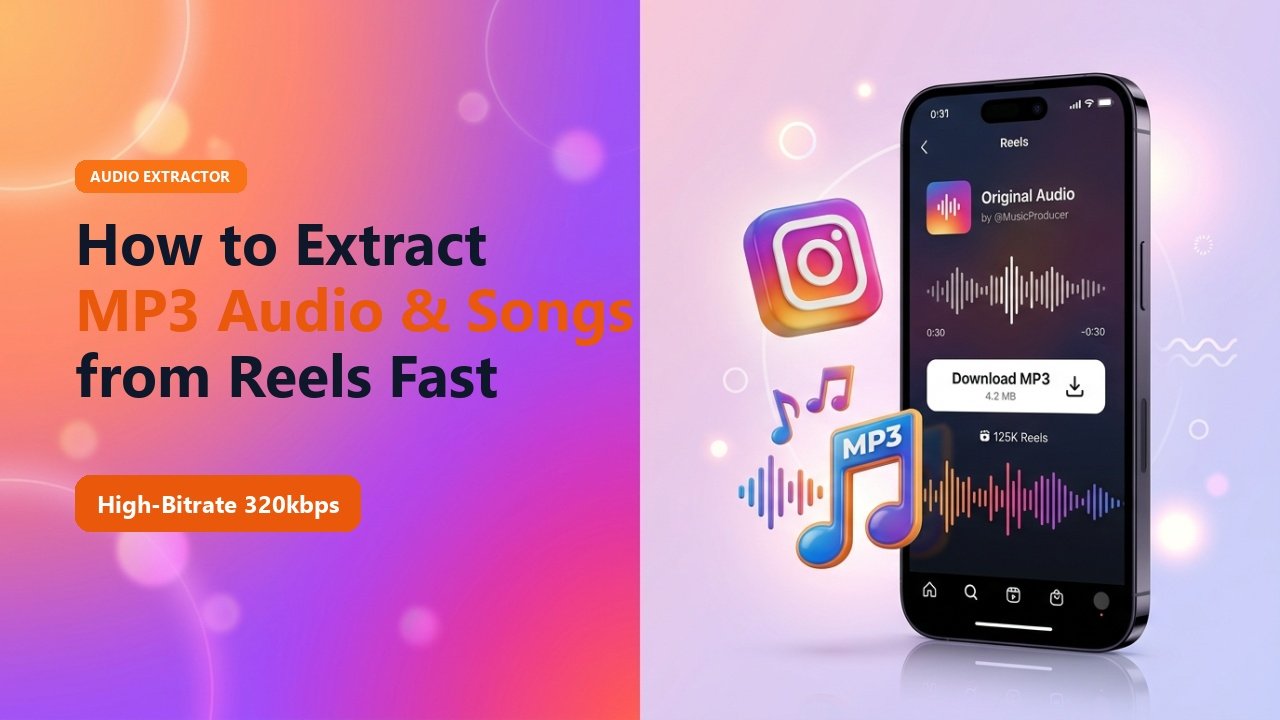
Key Takeaways & Summary
- ✓Many viral songs, remixes, and podcast soundbites on Reels are not available on Spotify or Apple Music.
- ✓TheSnapInsta isolates the uncompressed AAC/MP3 audio track directly from the video stream.
- ✓Converts high-bitrate audio in under 2 seconds without quality degradation.
- ✓Perfect for video editors, music producers, and content creators looking for background music inspiration.
Have you ever scrolled past an Instagram Reel featuring a mesmerizing acoustic remix, an unreleased lo-fi beat, or an inspirational podcast snippet, only to find the audio is an "Original Audio" track that doesn't exist on Spotify or YouTube?
Instead of struggling with cumbersome audio recording apps or screen-recording your phone, you can extract the exact audio file directly from the video. Here is the easiest way to convert Instagram Reels to high-bitrate MP3 audio in seconds.
Why Screen Recording Ruins Audio Quality
The common workaround—screen recording the video and using a mobile file converter—results in significant acoustic fidelity loss. Smartphone screen recorders compress system audio into low-bitrate mono tracks and often capture notification dings or background hums.
TheSnapInsta extracts the master digital audio stream directly from the video container, ensuring crystal-clear stereo sound at up to 320kbps.
Mid-Article Responsive Ad (728x90 / Responsive)
Paste your in-article AdSense code in Admin > Ads
How to Convert Any Instagram Reel to MP3
1. Copy the Reel URL
On the Reel with the desired soundtrack, tap Share ➔ Copy Link.
2. Paste into TheSnapInsta
Navigate to our audio extraction tool and paste the copied URL.
3. Download Pure MP3
Select "Download Audio" to save the high-fidelity MP3 directly into your music library or editing project.
📊 Audio Extraction Methods Comparison
| Method | Audio Bitrate | Channels | Artifacts / Noise | Time Taken |
|---|---|---|---|---|
| TheSnapInsta Direct Extraction | Up to 320kbps | Full Stereo | Zero Noise | 2 Seconds |
| Phone Screen Recording | 96 - 128kbps | Varies / Mono | System Compression | 3 - 5 Minutes |
| Desktop Audacity Recording | 192kbps | Stereo | Requires manual trimming | 5 - 10 Minutes |
Creator Fair Use Tip
When using extracted audio in your own commercial videos, make sure to check commercial licensing rights or credit the original musician in your caption.
Extract Reel Audio to MP3 Instantly
Save viral trending songs, dialogue snippets, and acoustic beats in clean high-bitrate MP3 format.
❓ Frequently Asked Questions
Q: What audio format does TheSnapInsta provide?
Our system provides universal high-compatibility MP3 or original AAC files that play seamlessly on any mobile phone, media player, or video editing software.
Q: Can I extract audio from 60-second or 90-second Reels?
Yes. Any Reel duration supported by Instagram can be converted to an audio track instantly.