Key Takeaways & Summary
- ✓Instagram forces all profile pictures into a strict 1:1 circular mask, cutting off corners and outer edges.
- ✓Rectangular landscape and portrait photos frequently get cropped awkwardly.
- ✓How to pad your image with matching borders or blurred backgrounds to keep the entire subject visible.
- ✓Recommended canvas templates and tools to achieve a perfect circular crop every time.
You have the perfect group photo, a full-body outfit shot, or a company logo you want to use as your Instagram profile picture. But the moment you upload it, Instagram's harsh circular cropping mask chops off half your logo, cuts off someone's head, or zooms in uncomfortably close.
Why does Instagram force circular avatars, and how can you fit your entire photo into your profile picture without awkward cropping? Here is your step-by-step tutorial on fitting entire pictures into Instagram's circular DP frame.
Understanding the Circular Masking Constraint
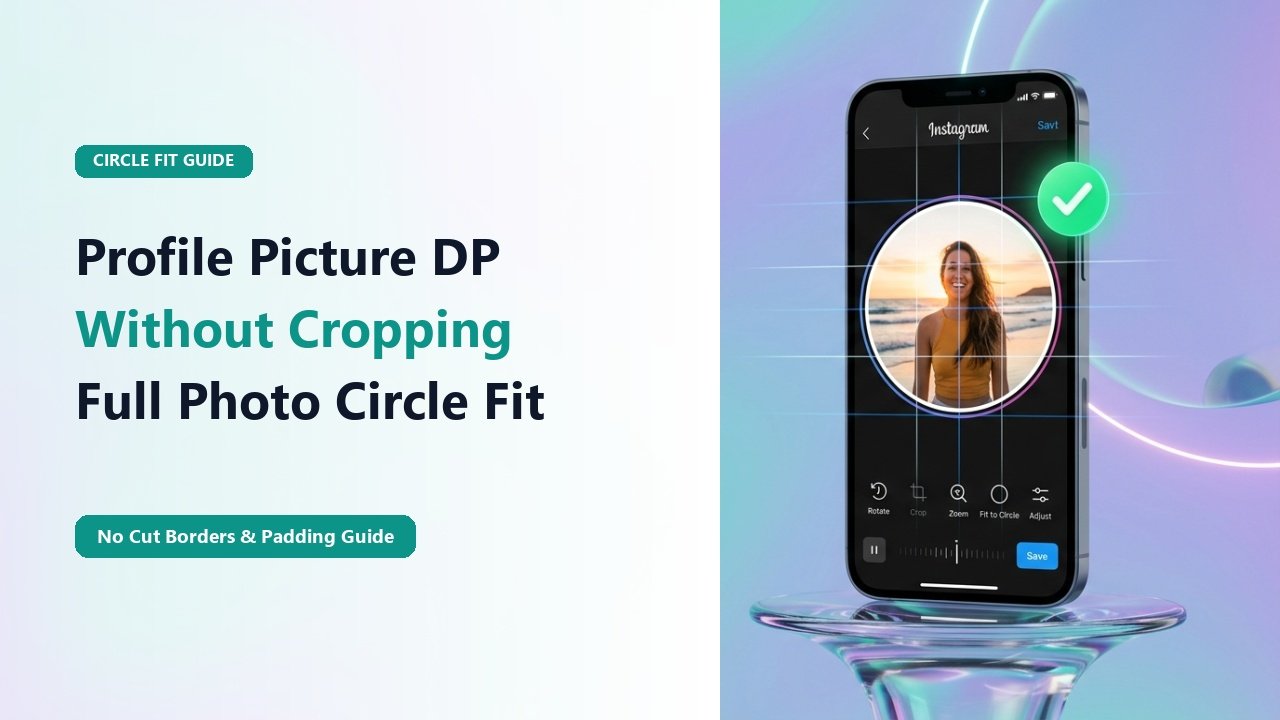
Instagram's circular avatar window only displays approximately 78.5% of a standard square image. The four corners of your image are completely masked out by the circular border. If your subject matter extends into the corners, it will inevitably be clipped.
The solution is not to fight the circular crop, but to pad your image on a square canvas so that your complete subject sits comfortably within the central circular safe zone.
Mid-Article Responsive Ad (728x90 / Responsive)
Paste your in-article AdSense code in Admin > Ads
How to Fit Your Whole Photo (The 3 Best Methods)
Method 1: Square Canvas with White/Black Borders
Open a free editing app (Canva, InShot, or VSCO), create a 1080x1080 square canvas, and place your rectangular photo in the center. The added borders will absorb the circular crop.
Method 2: Aesthetic Blurred Background Padding
Duplicate your photo as the background, apply a heavy Gaussian blur, and center your sharp original photo in front. This creates a modern editorial aesthetic.
Method 3: Dedicated "No Crop" Tools
Use automated web tools or mobile apps like "NoCrop for Instagram" to automatically scale and pad your image in one tap.
📊 Profile Picture Padding Methods Compared
| Method | Visual Aesthetic | Best Suited For | Effort Required |
|---|---|---|---|
| Clean White / Black Border | Minimalist & Professional | Logos & Brand Identity | 1 Minute (Canva) |
| Blurred Mirror Background | Modern & Dynamic | Portraits & Vacation Photos | 1 Minute (InShot) |
| Solid Color Background | Bold & Eye-Catching | Creators & Personal Brands | 2 Minutes |
The Circular Safe Zone Formula
When setting up a 1080 x 1080 px canvas, draw a circle with a diameter of 1080 pixels in the center. Keep all crucial visual elements—especially text and eyes—inside an 850-pixel diameter circle to guarantee nothing gets clipped.
Preview and Zoom Profile Pictures in HD
Test your new profile picture by inspecting how it renders on TheSnapInsta DP Viewer.
❓ Frequently Asked Questions
Q: What is the minimum resolution for a sharp profile picture?
Always export your profile picture at 1080 x 1080 pixels. Uploading smaller images (like 320x320) results in blurry pixelation on high-density retina displays.
Q: Can my profile picture be a transparent PNG?
No. Instagram automatically converts PNG files to JPEG upon upload, turning any transparent background into solid black or white.